

Poly Bridge 2
◀
▶
Country
US
Release Date
2020-10-01 00:00:00
Price
199.00
File Size
Varies with device
Game Overview
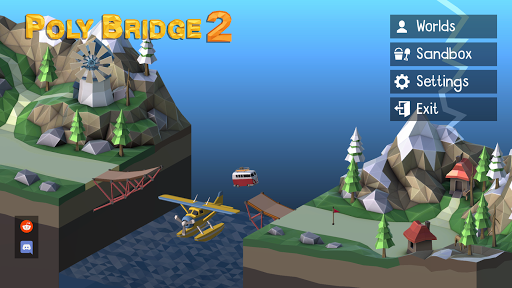
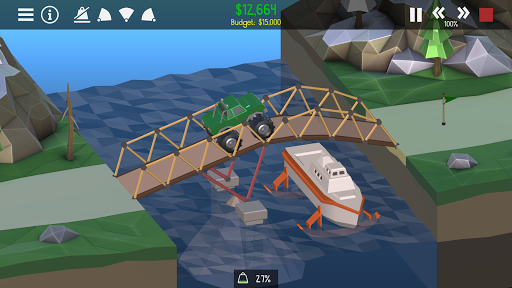
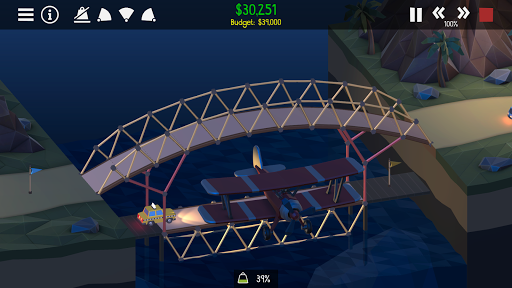
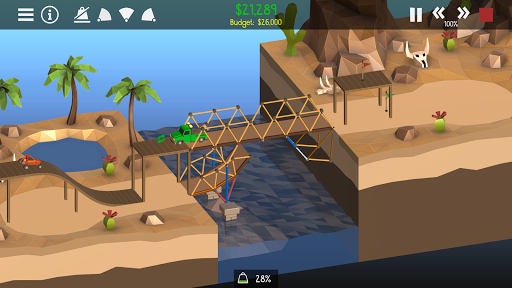
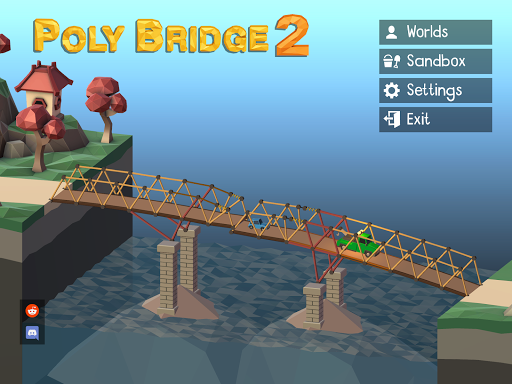
Poly Bridge 2 is a physics-based puzzle and engineering simulation game where players design and build bridges that can withstand real-world forces. Instead of fast-paced action, the game focuses on creativity, logic, and problem-solving, making it a highly engaging experience for players who enjoy construction, strategy, and simulation gameplay.What Makes Poly Bridge 2 Stand Out
Creative Engineering Freedom
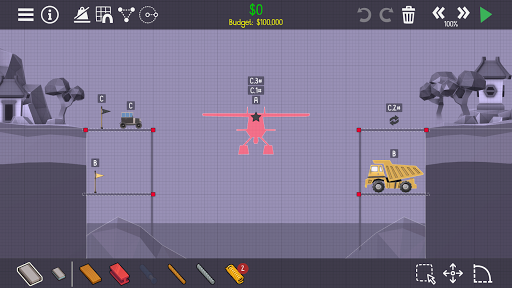
Players can design unique bridge structures using various materials such as wood, steel, cables, and hydraulics. Multiple solutions are possible, encouraging experimentation and innovation.
Realistic Physics Simulation
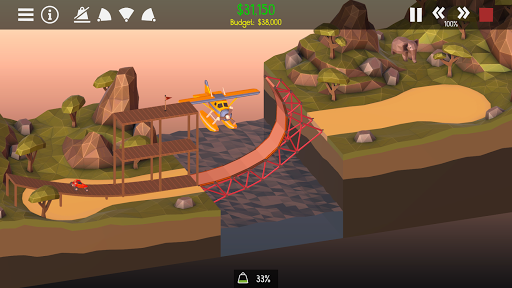
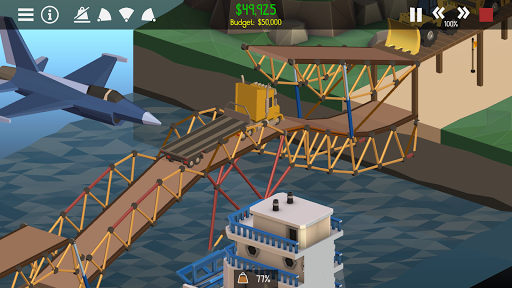
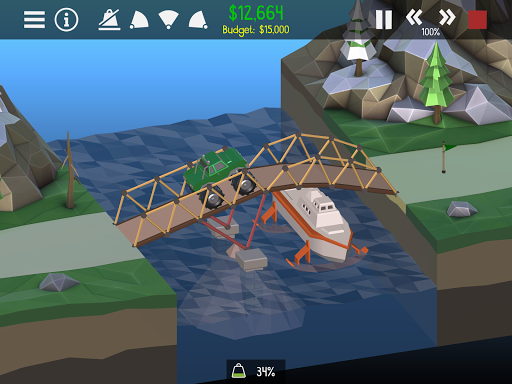
Every bridge reacts to weight, stress, and movement. Vehicles crossing your bridge will test its stability, making each successful build both satisfying and rewarding.
Challenging Puzzle Design
Levels are designed to gradually increase in complexity, introducing new mechanics and constraints that require strategic thinking and efficient resource management.
Sandbox and Custom Levels
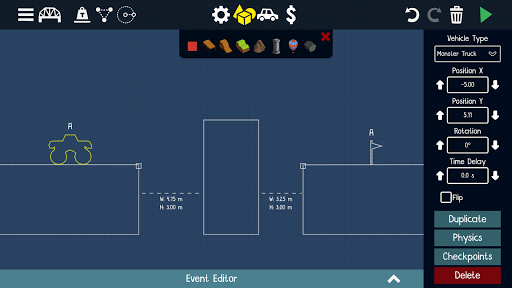
Beyond campaign mode, players can create their own levels or explore community-generated challenges, adding long-term replay value and variety.
Optimized for Strategy and Simulation Fans
Appeals strongly to users interested in engineering games, physics puzzles, construction simulators, and creative problem-solving experiences—ideal for high-intent gaming audiences.
Overall Impression
Poly Bridge 2 stands out as a polished and intellectually rewarding puzzle game. Its blend of creativity, physics, and strategy makes it suitable for both casual players and those seeking deeper simulation challenges.
Quick Start Guide
Step 1: Launch the GameDownload and open Poly Bridge 2, then select Campaign mode to begin with structured levels.
Step 2: Understand the Objective
Each level requires you to build a bridge that allows vehicles to safely cross from one side to the other within a set budget.
Step 3: Learn the Building Tools
Use different materials such as roads, wood, and steel. Each material has unique strengths and costs, so choose wisely.
Step 4: Build Your First Bridge
Start with a simple design, connecting anchor points and ensuring proper support before testing.
Step 5: Run the Simulation
Press the play button to test your bridge. Watch how it reacts to moving vehicles and identify weak points.
Step 6: Optimize and Improve
Adjust your design to reduce cost, improve stability, or meet additional level requirements such as supporting multiple vehicles.
Step 7: Explore Advanced Features
As you progress, experiment with hydraulics, moving bridges, and complex structures to solve more advanced challenges.
Recommended Games

Fortnite
3.8

Poppy Playtime Chapter 1
4.4

Garten of Banban 2
4.0

Build A Queen
4.3

Spider Fighter 3: Action Game
4.6

Dude Theft Wars FPS Open world
4.3

Minecraft: Dream it, Build it!
4.4

Clash Royale
4.5

Grand Theft Auto: San Andreas
4.3

Five Nights at Freddy's
4.7

Magic Tiles 3™ - Piano Game
4.6

Avatar World ®
4.7

Geometry Dash Lite
4.4

Poppy Playtime Chapter 2
4.0

Cat From Hell - Cat Simulator
4.3

Geometry Dash
4.8

Hole.io
3.2

School Party Craft
4.5

Toca Boca World x Hello Kitty
4.3

Gangster City: Mafia Crime
3.4