

School Party Craft
◀
▶

Country
US
Release Date
2018-02-02 00:00:00
Price
Free
File Size
Varies with device
Game Overview
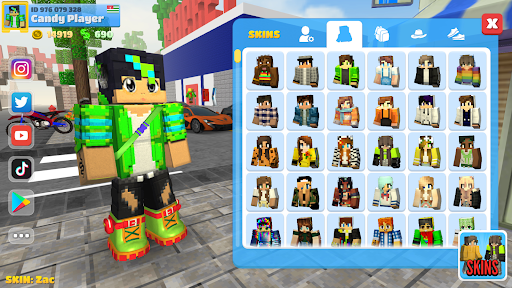
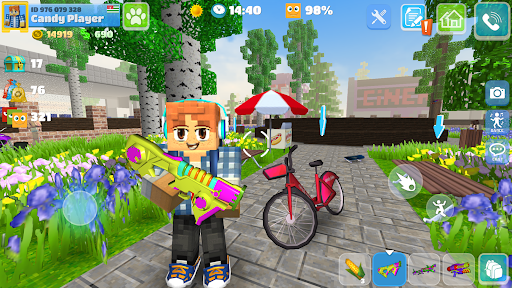
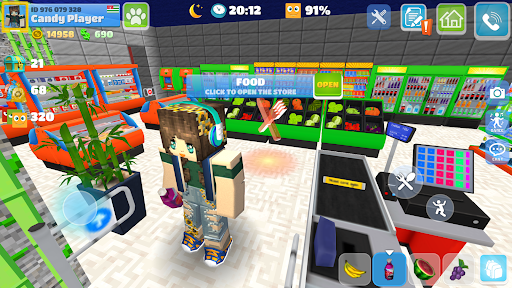
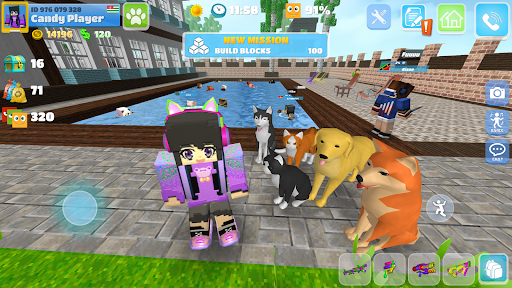
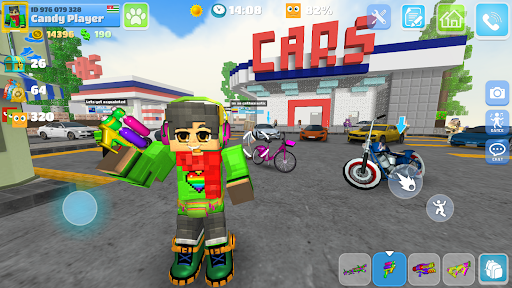
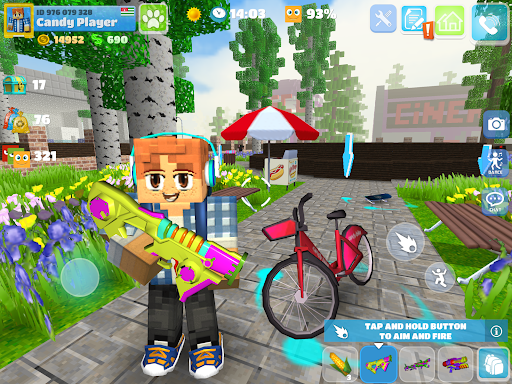
School Party Craft is an open-world sandbox simulation game that combines social interaction, creative building, and mini-game experiences in a vibrant school-themed environment. Players can explore a city filled with activities, customize their characters, build homes, and connect with others in real time. Instead of following a fixed storyline, the game encourages freedom, creativity, and social gameplay, making it ideal for players who enjoy immersive virtual worlds.What Makes School Party Craft Stand Out
Open-World Exploration
The game offers a large, interactive city where players can attend school, visit shops, drive vehicles, and discover hidden locations, providing a constantly engaging experience.
Social Multiplayer Experience
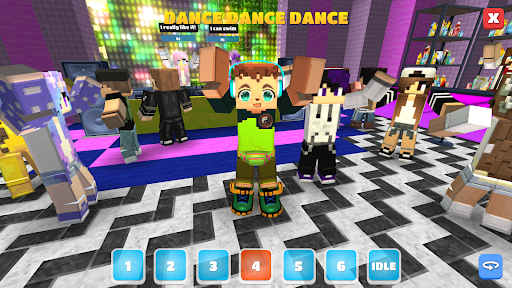
Players can meet others online, make friends, and participate in shared activities. Chat features and social systems make it feel like a living virtual community.
Creative Building System
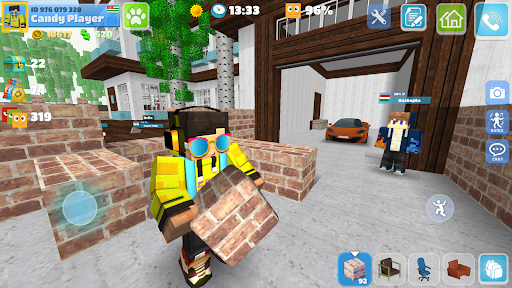
You can design and customize your own house using a wide range of blocks, furniture, and decorations, adding long-term creative value to the gameplay.
Mini-Games and Activities
Beyond exploration, the game includes various mini-games such as racing, competitions, and fun challenges that keep gameplay diverse and engaging.
Overall Impression
School Party Craft is a versatile sandbox experience that blends creativity, exploration, and social interaction. Its flexible gameplay makes it suitable for both casual players and those looking for longer, more immersive sessions.
Quick Start Guide
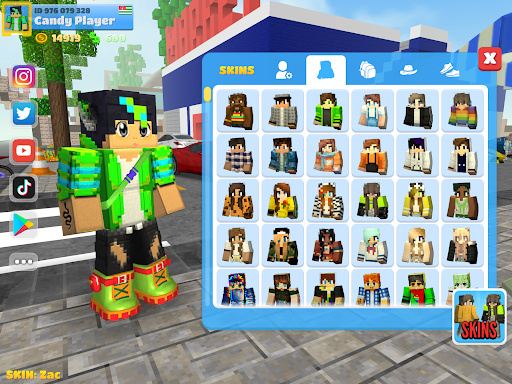
Step 1: Launch and Create Your CharacterStart the game and customize your avatar. Choose your appearance, outfit, and basic style before entering the world.
Step 2: Explore the City
Move around the open world to discover key locations like the school, shops, and entertainment areas. Exploration helps you understand available activities.
Step 3: Learn the Controls
Controls depend on your device:
Mobile: use touch controls and virtual joystick
PC: use keyboard and mouse for movement and interaction
Step 4: Interact with Objects and Players
Engage with items in the environment and communicate with other players. Social interaction is a core part of the experience.
Step 5: Start Building Your Home
Access the building system to create and customize your own house. Experiment with layouts, furniture, and decorations.
Step 6: Try Mini-Games
Join available mini-games and activities to earn rewards and enjoy different gameplay styles within the same world.
Step 7: Customize and Progress
Unlock new items, outfits, and building materials as you play. Personalize your experience and continue expanding your in-game lifestyle.
Recommended Games

Five Nights at Freddy's
4.7

Geometry Dash Lite
4.4

Gangster City: Mafia Crime
3.4

Avatar World ®
4.7
Hole.io
3.2

Poppy Playtime Chapter 2
4.0

Minecraft: Dream it, Build it!
4.4

Clash Royale
4.5

Garten of Banban 2
4.0
Build A Queen
4.3

Spider Fighter 3: Action Game
4.6

Magic Tiles 3™ - Piano Game
4.6

Poppy Playtime Chapter 1
4.4

Toca Boca World x Hello Kitty
4.3

Cat From Hell - Cat Simulator
4.3

Grand Theft Auto: San Andreas
4.3

Dude Theft Wars FPS Open world
4.3
School Party Craft
4.5

Fortnite
3.8

Geometry Dash
4.8